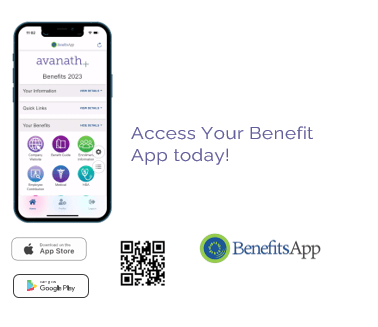
Search the App Stores for BenefitsApp, or scan the QR Code above. You will be directed to a BenefitsApp landing page where you may download the app to your Apple or Google device. Register by entering your name, phone number, and Company Code. Once you have registered, you will receive a text message with a verification code. Enter the verification code and your BenefitsApp will be ready for you to login with your mobile number.